We propose
Our affordable prices
Brand Hardware Only, Full Control, No Traffic Limits, No Surprises!
1
1
1
1
IP
1 IP min max 7 IP


Powerful branded bare-metal dedicated servers from €210/mo in Tier III EU data centers
Brand Hardware Only, Full Control, No Traffic Limits, No Surprises!
Enterprise-grade infrastructure with 99.9% uptime guarantee across EU locations
Round-the-clock technical assistance from certified engineers and specialists
GDPR compliant operations with all data stored in European data centers
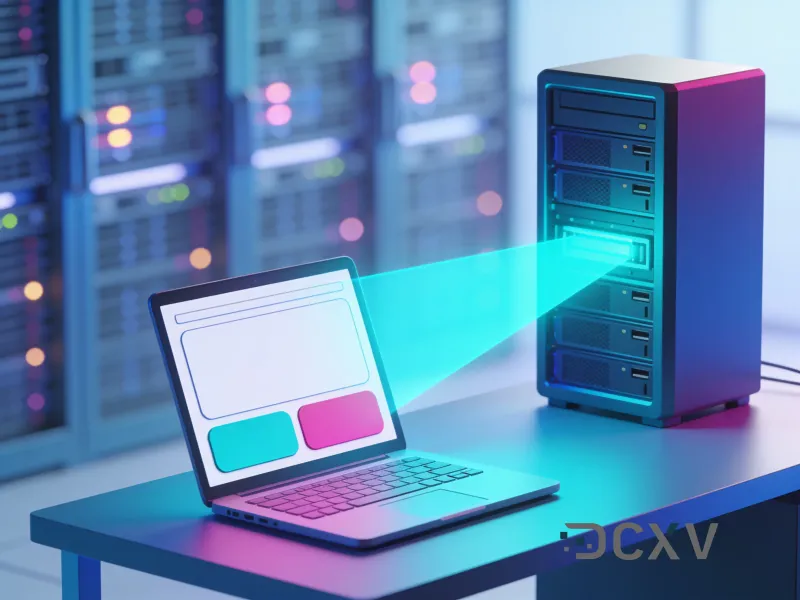
Every server can also boot any operating system you like from your own ISO over HTTPS - no image request, no waiting on us to add it.
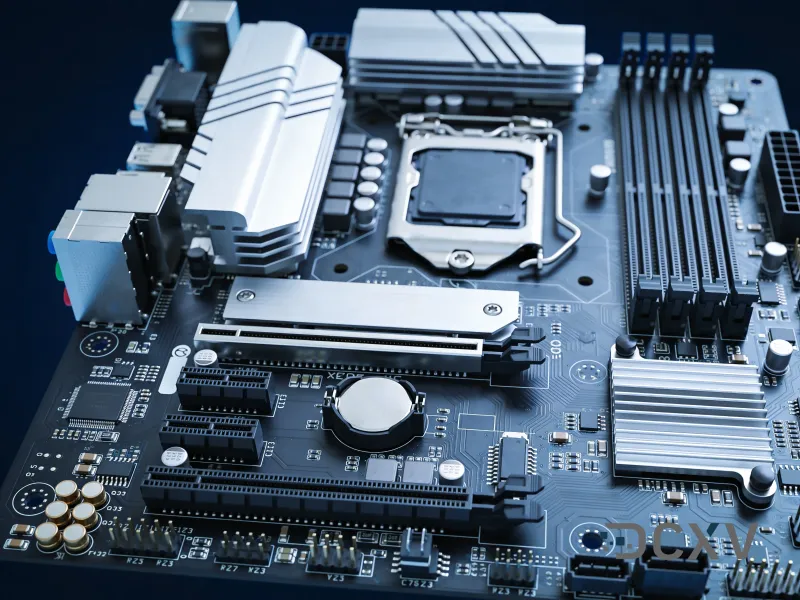
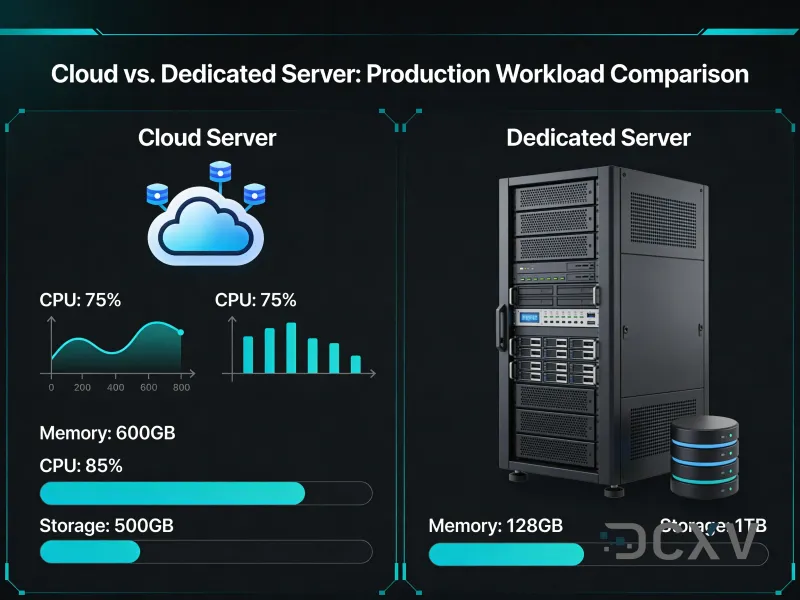
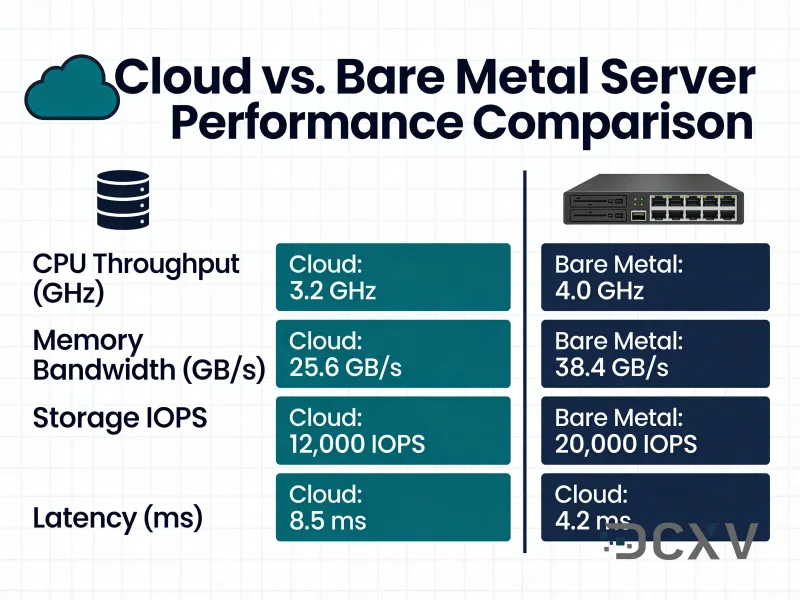
A dedicated server is a physical machine in our rack, allocated to you alone. Every core, every gigabyte of RAM and every disk is yours, which matters for workloads that are sensitive to a neighbour's spikes and for software licensed per physical socket or core.
The hardware is enterprise-grade - Dell, HP and Supermicro chassis - with ECC memory, hardware or software RAID as you prefer, and out-of-band management so you can reinstall, reboot and watch the boot screen without anyone in the data centre touching it.
A dedicated machine is physical, so it is not the ten-minute affair a cloud server is: budget around 24 hours from order to handover while the box is built, burned in and racked. You get root or Administrator credentials, the IPMI details and the network configuration in one handover.
Dedicated servers start at 210 EUR per month, and the configuration you choose is the one you get - we do not sell a base machine and then meter the parts of it you were always going to use.
Databases that have outgrown shared storage, storage and backup targets measured in terabytes, virtualisation hosts running a company's whole estate, licence-bound business software, and anything where a compliance auditor wants to know exactly which physical machine the data is on.
Accounting and ERP systems are a recurring case: they are usually licensed per user or per core, they are latency-sensitive for the people using them all day, and they hold data that has to stay in a named jurisdiction.
A dedicated server is handed over as bare metal with an operating system on it. If you would rather not carry the updates, the monitoring and the 3 a.m. pager, our administration service takes the operating system and the stack above it while you keep root.
That is a separate decision from the hardware and can be added later - nothing about the machine changes.
The usual sequence: stand the new machine up alongside the old one, sync the data twice - once at leisure and once at cutover - lower the DNS TTL a day ahead, then switch and keep the old box for a week. Nothing about that is specific to us, which is the point.
For estates rather than single servers, tell support what you are moving and they will size the target and sequence the cutover with you before anything is ordered.
Frequently asked questions
The billing cycle starts on the day you ordered a server and automatically renewed every month, until you cancel your order
A dedicated server is a physical machine, so changes such as extra RAM, additional disks or a faster uplink are performed as a hardware upgrade - contact support and we will agree a maintenance window, as the server needs a short reboot; downgrades may require a reinstallation
Usually dedicated server setup takes from 24 hours up to a couple of days, depending on the chosen configuration and hardware availability
Yes, you will be provided with administrative full root access to your server over SSH for Linux and over RDP to Windows, and the free IPMI / KVM console is accessible at any time for recovery, BIOS access and installing your own OS
If you require assistance or have additional questions, please contact the managers or write to the support team at support@dcxv.com