

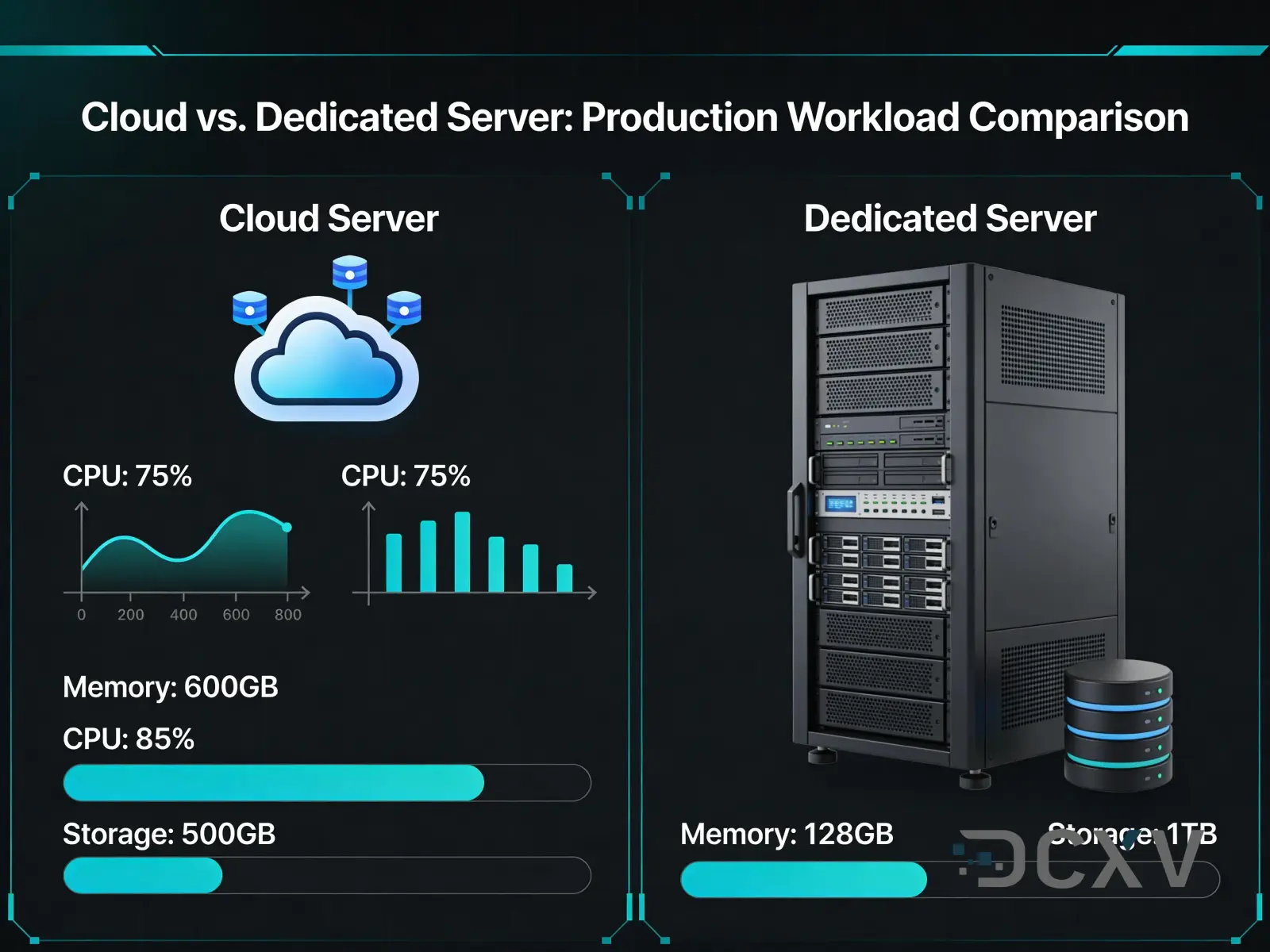
Cloud vs VPS vs Dedicated Server: Which One to Pick?
Short answer: choose a cloud server or VPS when you want to start small, resize later and pay a low monthly floor. Choose a dedicated server when one workload needs the whole machine all the time: sustained CPU, large local disks, or hardware you must control. Neither type wins in general. The workload decides.
The three labels, without the marketing
- VPS: a virtual machine on a physical host that other customers share. The word describes the idea, not a specific architecture.
- Cloud server: also a virtual machine, but sold with the things a cloud implies: you create it from a panel in minutes, resize it, snapshot it and roll it back. How good those features are depends on the provider, so check them instead of trusting the name.
- Dedicated server: one physical machine rented to you alone. You get its full CPU, RAM and disks, and you own everything above the hardware.
At DCXV a cloud server is a virtual machine that deploys in under 10 minutes. A dedicated server is physical hardware provisioned within about 24 hours.
Side by side
| Cloud server | VPS | Dedicated server | |
|---|---|---|---|
| Isolation | Virtual machine; how CPU and RAM are shared depends on the provider | Same technology; extras vary by provider | Whole physical machine is yours |
| Performance consistency | Depends on host load and on how the provider limits neighbours | Same | Highest, nobody else uses the hardware |
| Scaling | Resize in the panel; DCXV disk cannot be shrunk without formatting | Often a plan change | Hardware upgrade with a short reboot |
| Provisioning | Under 10 minutes at DCXV | Minutes to hours | About 24 hours at DCXV |
| Cost floor | From EUR 15/mo (checked 2026-10) | Varies by provider | See the dedicated server page for current prices |
Best choice by use case
- Small site, blog, staging: a cloud server. The Small preset (2 vCPU, 4 GB RAM, 40 GB NVMe) starts from EUR 15/mo (checked 2026-10), and the price includes one weekly backup.
- SaaS or MVP: a cloud server, because you do not yet know the load. Resize when real numbers arrive.
- Business application: a cloud server with snapshots before every update; move up a size before users complain.
- Database with heavy writes: test on a cloud server first. If disk or CPU stays busy around the clock, a dedicated server is the honest next step.
- High sustained CPU (encoding, builds, batch jobs): dedicated, so no neighbour can compete with you.
- Large local storage or special hardware: dedicated.
- Regulated workload: the platform type matters less than where the data sits and who can reach it. Read the location guide first.
Five questions to ask any provider that sells "cloud"
- Is CPU shared or reserved, and what happens when a neighbour is busy?
- Can I resize CPU, RAM and disk, and does it need a reboot or a rebuild?
- Are snapshots and backups included, and are they separate things?
- What happens to my machine if the physical host fails?
- Which of these claims are written in the contract, not only on the landing page?
If an answer is vague, treat the feature as absent. We only claim what our pages state: snapshots roll back in two clicks and the price of every plan includes one weekly backup.
Decision checklist
- Does one workload use more than half of a server around the clock? Lean dedicated.
- Is the load unknown or growing? Lean cloud.
- Do you need a console for BIOS, recovery or your own OS? Dedicated includes free IPMI/KVM access.
- Do you want the lowest monthly floor and a first server today? Cloud.
- Can you manage the OS yourself? All three types leave that to you.
Still unsure? Read VPS vs Dedicated Server, size the machine with the sizing guide, or configure a cloud server. To compare dedicated hardware, view dedicated servers. To ask an engineer, write to sales@dcxv.com.




