New location in Prague is now live!

New location in Prague is now live!

New location in Prague is now live!

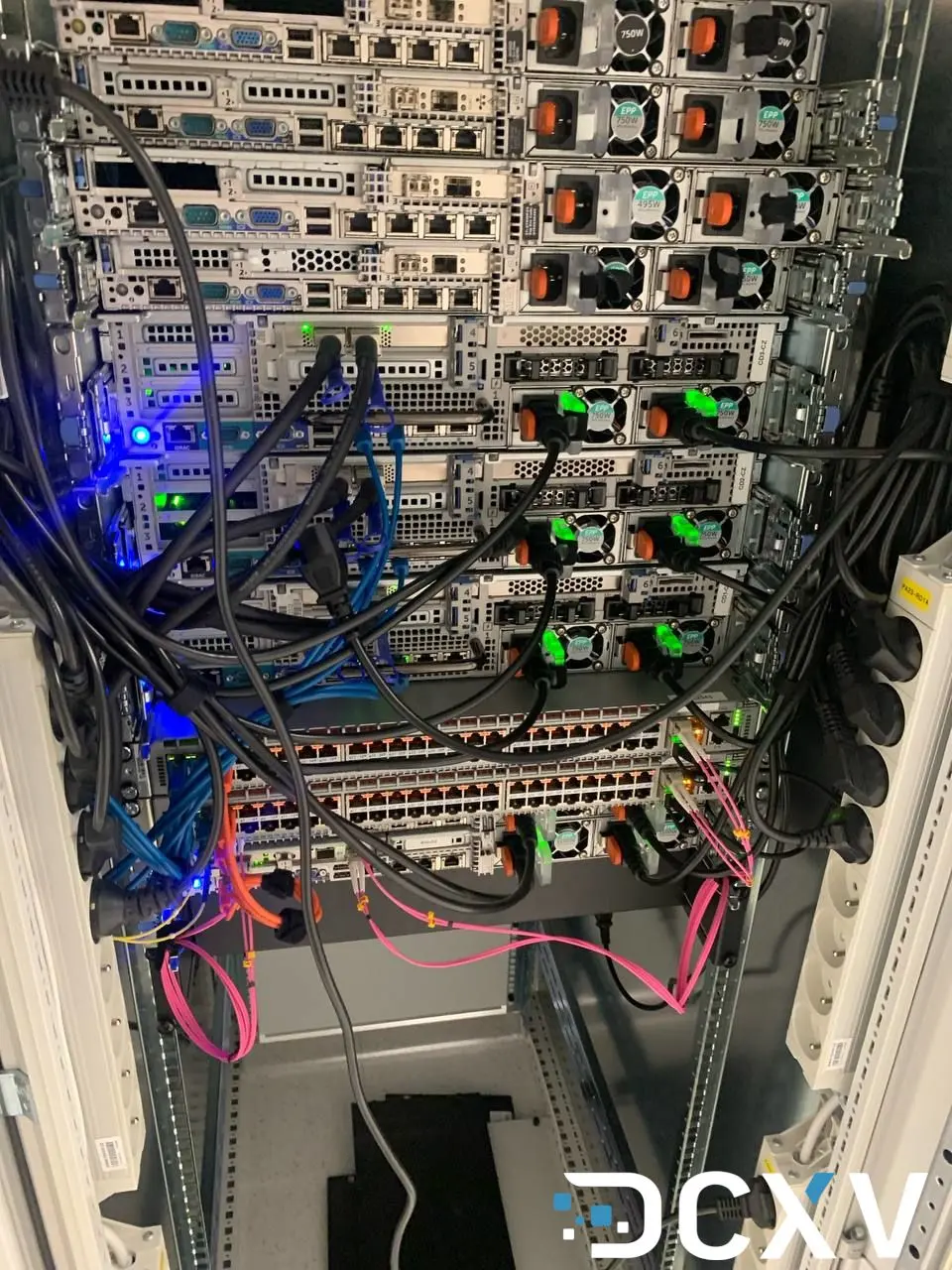
Great news! Our Prague data center is now up and running. We're excited to offer you a new location in the heart of Central Europe.

What We Offer

Our Prague facility comes fully loaded:

  • High-performance server racks
  • Backup power systems and multiple internet connections
  • Top-level security measures
  • Perfect spot for reaching all of Central Europe

Perfect for Your Needs

Whether you're:

  • Growing your cloud infrastructure
  • Setting up dedicated servers
  • Need fast connections to European users

We've got you covered. Our Prague location gives you the speed and reliability you need.

Ready to Get Started?

Let's work together to build something amazing. Fast, stable, and powerful infrastructure is what we do best.


Run Claude Code, Codex and Grok CLI on Your Own Cloud Server
cloudaivps

Run Claude Code, Codex and Grok CLI on Your Own Cloud Server

Turn a Debian or Ubuntu cloud server into a sandbox for AI coding agents like Claude Code, Codex and Grok CLI. Vibe code from anywhere, even your phone.

Roll Back a Cloud Server to a Recent Backup in Two Clicks
backuprecoverycloudCloud

Roll Back a Cloud Server to a Recent Backup in Two Clicks

DCXV cloud servers now let you restore a recent automatic backup straight from your control panel - pick a backup, confirm, and the VM rolls back in minutes.

Manage Client Accounts From One Login - The DCXV Reseller Dashboard
resellercontrol-panelcloudCloud

Manage Client Accounts From One Login - The DCXV Reseller Dashboard

The new DCXV reseller dashboard lets you create client sub-accounts, track their balances and servers, and log into any of them from a single control panel.

Snapshot Before Risky Changes, Roll Back Instantly
snapshotcloudCloud

Snapshot Before Risky Changes, Roll Back Instantly

Create an on-demand snapshot of your DCXV cloud server before any risky change, then roll back in seconds. Add a snapshot in the control panel with one click.

Install Any OS - Boot Your Cloud VM From Your Own ISO
isoinstallcloudCloud

Install Any OS - Boot Your Cloud VM From Your Own ISO

Upload a bootable ISO from any HTTPS URL and boot your DCXV cloud VM from it - install any operating system or run a rescue disk, straight from the control panel.