

VPS vs Dedicated Server: Which to Choose in 2026
Choosing between a VPS and a dedicated server is one of the most common infrastructure decisions businesses face. Both have distinct advantages and real trade-offs. This guide breaks down the differences clearly so you can make an informed decision.
Key differences
| Factor | VPS | Dedicated Server |
|---|---|---|
| Hardware | Shared physical host | Entire machine to yourself |
| Provisioning | Under 10 minutes | Under 24 hours |
| Starting price | From EUR 15/month | Higher entry cost |
| Performance isolation | Partial | Full |
| Customization | Limited | Full BIOS/hardware access |
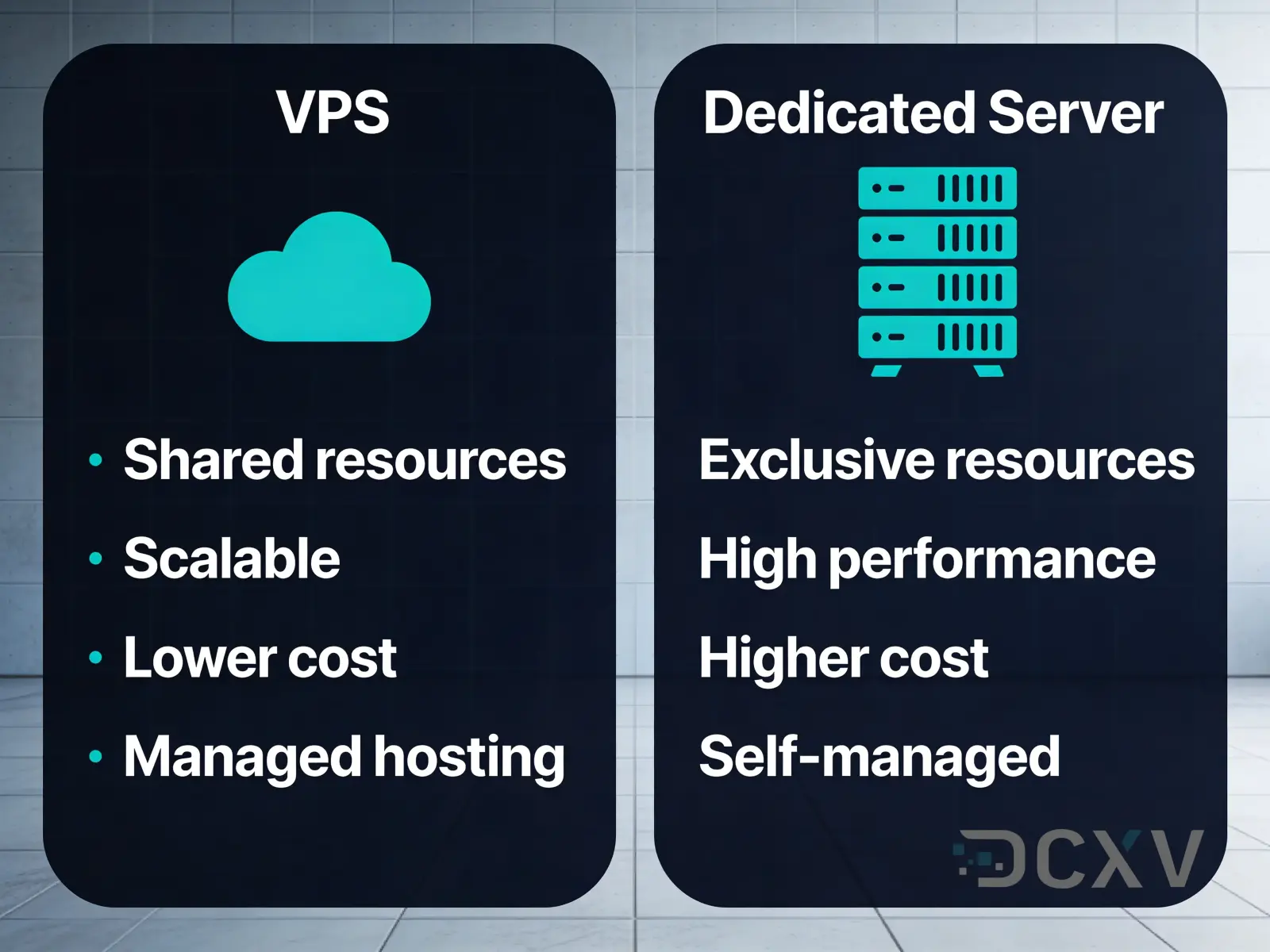
A VPS runs as a virtual machine on a shared physical host. You get guaranteed CPU and RAM allocations, but the underlying hardware is shared with other tenants. A dedicated server means you have exclusive access to the entire physical machine - no noisy neighbors, no shared resources.
When to choose VPS
VPS is a strong choice when your workload is moderate, your budget is limited, or you need rapid provisioning. Development environments, small to medium web applications, staging servers, and early-stage startups all benefit from VPS economics. You pay only for what you need and can scale vertically by upgrading your plan.
DCXV cloud VPS instances provision in under 10 minutes, are backed by a 99.982% uptime SLA, and run on infrastructure with a 99.982% facility-level SLA at Tier III data centers in Czechia and Portugal.
Key advantages of VPS:
- Lower monthly cost
- Fast provisioning
- Easy plan upgrades
- No hardware maintenance responsibility
When to choose dedicated server
Dedicated servers make sense when your application demands consistent, predictable performance. High-traffic databases, compute-heavy workloads, gaming servers, and applications with strict compliance requirements are natural fits for dedicated hardware.
The main reasons teams move from VPS to dedicated:
- CPU-intensive workloads that suffer from shared host contention
- Need for specific hardware configurations (NVMe arrays, large RAM)
- Security or compliance requirements mandating single-tenant environments
- Consistent I/O performance for database workloads
DCXV dedicated servers are provisioned in under 24 hours and are supported by the same 24/7/365 support team with an average response time of approximately 10 minutes.
Total cost of ownership comparison
VPS appears cheaper on a per-month basis, but TCO calculations can shift as workloads grow. A VPS at EUR 15/month works well for small workloads. As you scale to require more vCPUs and RAM, the monthly cost of a high-tier VPS can approach or exceed dedicated server pricing while still sharing physical resources.
For workloads that would require a large VPS plan anyway, a dedicated server often delivers better performance per euro. The break-even point varies by provider and configuration, but it is worth running the numbers at each infrastructure review cycle.
Hidden VPS costs to consider:
- Bandwidth overages
- Storage IOPS limits
- Vertical scaling downtime windows
Migration path
Starting on VPS and migrating to dedicated is a well-established path. Most applications can be migrated with minimal downtime using snapshots or live migration tools. DCXV supports both VPS and dedicated server offerings, making it straightforward to move workloads between tiers without changing providers or re-architecting networking.
Plan your migration during low-traffic windows. Test the dedicated environment thoroughly before switching DNS or load balancer targets. Keep your VPS running in parallel for at least 48 hours after the cutover.




