

Run Claude Code, Codex and Grok CLI on Your Own Cloud Server
AI coding agents have changed how developers work. Tools like Claude Code, Codex, OpenCode, MimoCode and Grok CLI can read a whole repository, run commands, edit files and open pull requests on their own. That power brings two practical problems: you probably do not want an agent running shell commands directly on your personal laptop, and you want it available wherever you are. A small, always-on cloud server solves both. This guide explains how to turn a Debian or Ubuntu cloud VM into a dedicated sandbox for your coding agents.
What is a coding-agent sandbox?
A coding-agent sandbox is a persistent virtual machine where your agentic CLI tools live. The agent gets a real shell, your project repositories, and full freedom to install packages, run tests and execute build steps - all inside a contained environment that is separate from your main computer. If an agent runs a command you did not expect, the blast radius is one disposable cloud server, not your daily driver. You can snapshot it, rebuild it, or spin up a fresh one in minutes.
Why run agents on a cloud server, not your laptop
- Isolation and safety - agents execute real commands. Keeping them on a separate server protects your local files, keys and environment.
- Always on - long tasks such as large refactors or full test suites keep running even after you close your laptop.
- Persistent sessions - a tmux session holds your agent's state, so you reconnect later and pick up exactly where you left off.
- Consistent environment - the same toolchain, versions and dotfiles every time, with no "works on my machine" surprises.
- Reachable anywhere - the server has a fixed address, so any device with SSH can connect.
The agentic CLI tools it runs
Claude Code, Codex, OpenCode, MimoCode, Grok CLI and most other agent CLIs are just Node, Python or Go programs. They run perfectly on a standard Debian 12 or Ubuntu 24.04 install with no special hardware. Add your API keys, clone your repositories, and the agent is ready. Because everything runs server-side, your phone or tablet only needs a terminal.
Vibe coding from anywhere
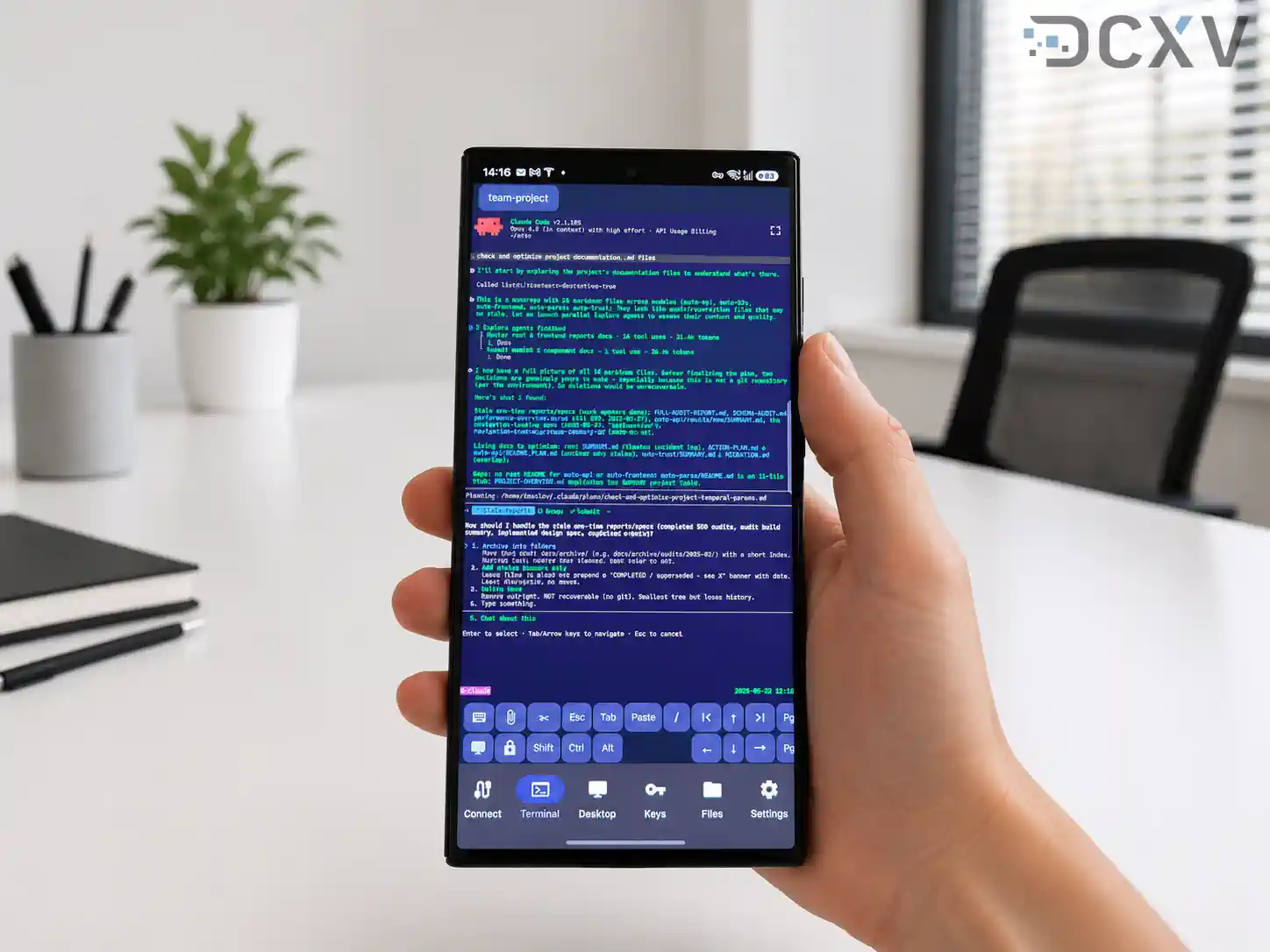
This is where a cloud sandbox shines. Connect over SSH from an Android phone using a terminal app such as Haven, attach to your tmux session, and you are coding from a train, a cafe or a hotel room. The workflow is genuinely journalist-style: while traveling, your team forwards bug reports, you paste them to the agent, and it investigates, fixes and pushes the change - all from a phone screen. The session never drops your work, because tmux keeps it alive across reconnects and flaky mobile networks.
Recommended setup
- Specs - 2 to 4 vCPUs, 4 to 8 GB RAM and NVMe storage handle most agent workloads comfortably.
- OS - Debian 12 or Ubuntu 24.04 LTS.
- Access - SSH keys only, plus tmux for persistent sessions.
- Location - DCXV runs EU Tier III data centers, so your code and data stay GDPR-compliant.
- Price - cloud servers start from EUR 15 per month, billed monthly with no long-term contract.
Bottom line
An AI coding agent is most useful when it is always available and safely sandboxed. A cheap EU cloud server gives you both: a dedicated home for Claude Code, Codex, Grok CLI and friends that you can reach from any device, anywhere.
Before you give an agent access to real repositories and tokens, read Self-Hosted AI Coding Agents on EU VPS: Hardened Setup: a tested, hardened runner with egress control, scoped tokens and sizing.
Start here: https://dcxv.com/data-center#cloud




