

DigitalOcean vs Dedicated Server for Growing Startups
DigitalOcean built its reputation on developer-friendly simplicity. For many startups, it is the first production platform. But as a startup grows, the question of whether to stay on DigitalOcean or graduate to dedicated hardware comes up regularly. This guide examines both paths honestly.
Key differences
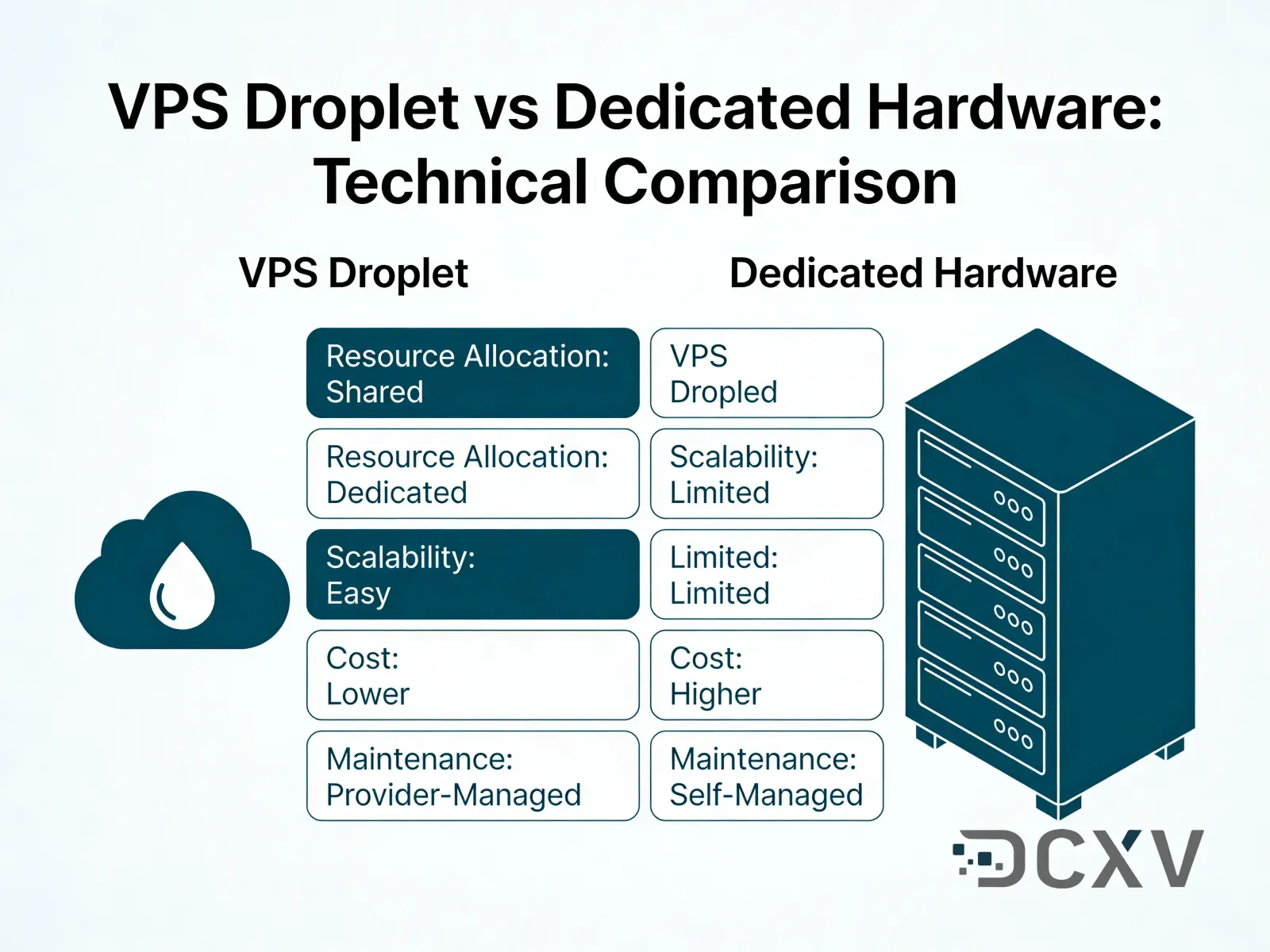
| Factor | DigitalOcean | Dedicated Server |
|---|---|---|
| Setup complexity | Very low | Low to moderate |
| Resource isolation | Shared host | Full single-tenant |
| Managed databases | Available | Self-managed |
| Bandwidth pricing | Limited included, overage charges | Typically higher included |
| Scaling model | Vertical + horizontal | Vertical (or add servers) |
When to choose DigitalOcean
DigitalOcean remains an excellent choice for startups at early and mid stages. The platform removes significant operational overhead. Managed Kubernetes, managed databases, and App Platform reduce the engineering time spent on infrastructure.
Startups benefit from DigitalOcean when:
- Engineering team is small and infrastructure time should be minimized
- Workload is unpredictable and auto-scaling is valuable
- Managed services (Postgres, Redis, object storage) save time over self-hosting
- The startup has DigitalOcean credits from startup programs
The simplicity advantage is real. A team of two engineers can run a DigitalOcean setup that would require a dedicated infrastructure person to manage on bare metal.
Drawbacks to consider:
- Bandwidth overages can become a surprise cost driver at scale
- vCPU performance varies more than physical cores
- Support response times on lower tiers are not guaranteed
- Large Droplet plans approach dedicated server costs without dedicated performance
When to choose dedicated server
The transition point from DigitalOcean to dedicated typically happens when:
Your monthly DigitalOcean bill reaches a level where dedicated hardware delivers the same or better resources at comparable or lower cost. At higher Droplet tiers, the math often favors dedicated.
Your database performance suffers from I/O contention. Shared storage on cloud VPS introduces latency variability that dedicated NVMe storage eliminates.
Your team has grown enough that someone can own infrastructure. Dedicated servers require more hands-on management than DigitalOcean, but with solid Linux skills this is manageable.
You have predictable, stable workloads. If your traffic does not spike unpredictably, the elasticity premium of cloud VPS is wasted money.
DCXV dedicated servers provision in under 24 hours with 24/7/365 support and approximately 10-minute average response times. The Tier III facility infrastructure in Czechia and Portugal provides 99.982% facility SLA backing a 99.982% service SLA.
Total cost of ownership comparison
For an early-stage startup, DigitalOcean's flexibility and simplicity justify its cost premium over raw hardware. As monthly spend grows, the comparison shifts.
A production setup with a web tier, database, and cache often requires multiple Droplets. At the point where you are running three to five Droplets with reasonable CPU and RAM configurations, comparing against a dedicated server makes financial sense.
Dedicated server advantages at this stage:
- Predictable monthly cost with no overage risk
- Physical hardware dedicated entirely to your workload
- Higher raw I/O performance for database-heavy applications
- Potentially better network throughput per euro
DigitalOcean advantages that persist:
- Managed backups and snapshots with minimal configuration
- Managed database handling failover and updates
- Faster recovery from catastrophic failure (rebuild in minutes)
Migration path
The most practical migration from DigitalOcean to dedicated is incremental. Most growing startups start by moving the database to dedicated hardware first, where consistent I/O provides the most immediate benefit.
Recommended migration sequence:
- Provision dedicated server and replicate database
- Validate replication lag and consistency
- Switch database connection string in application
- Monitor for performance differences
- Migrate application tier if dedicated proves beneficial
DCXV supports both cloud VPS and dedicated, so you can run a hybrid architecture - application tier on cloud VPS for easy scaling, database on dedicated for consistent I/O - without changing providers.




